Shelf
A downloadable tool for Windows
Shelf
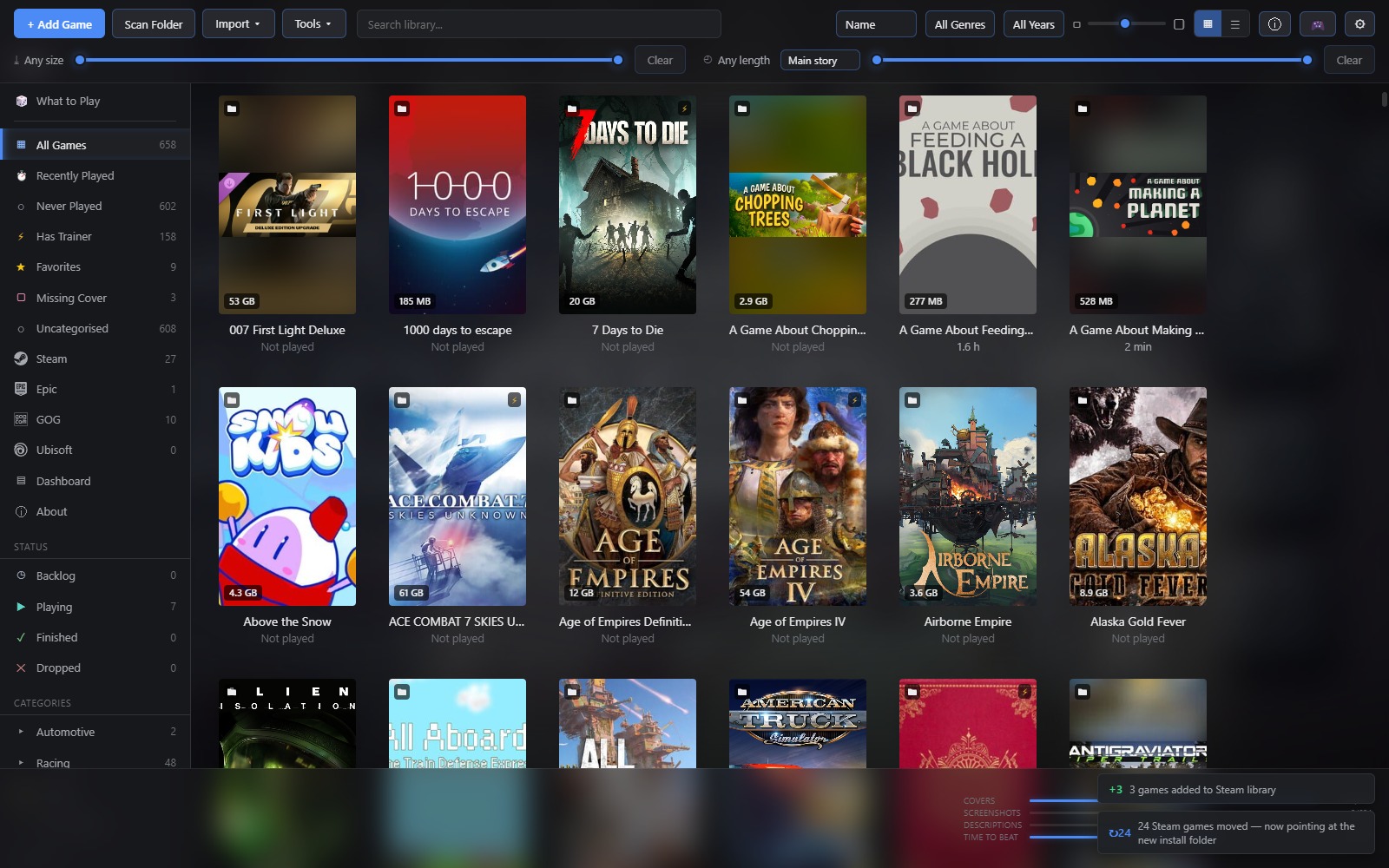
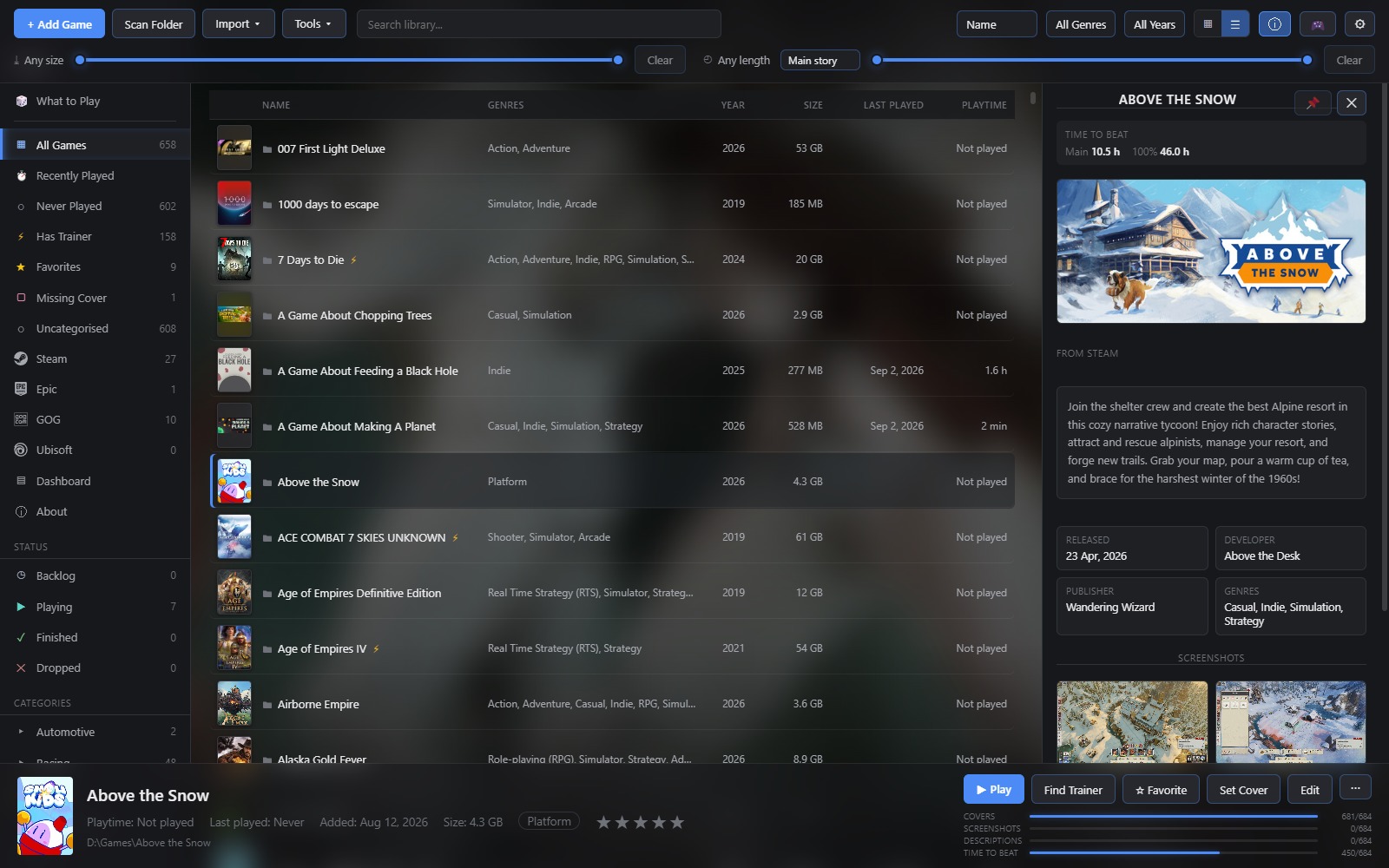
Shelf gathers everything you have installed — Steam, Epic Games, GOG Galaxy, Ubisoft Connect, and any folder you point it at — into one library you can browse, sort and launch from.
No account. No background service. No launcher running behind it. It keeps your data in a plain folder on your machine, and it opens in about a second on a library of several hundred games.
It started as an attempt at something lighter than Playnite. That held until the first well, why not — and then the next one, and the one after that. It now does a fair number of things Playnite doesn't, and the one rule that survived the whole slide is that it still has to open instantly and stay out of the way.
It finds your games
- Reads Steam, Epic, GOG,Ubisoft and now Itch.io straight from each launcher's own manifests and databases. No logins, no API keys, no scraping your account.
- Rechecks all four every time it starts, so games you install or uninstall elsewhere appear and disappear on their own.
- Scans any folder for games nothing knows about, picking the real executable out of each one rather than the first
.exeit trips over. - Or you add a game by hand, and it works exactly like the rest.
It makes the library worth looking at
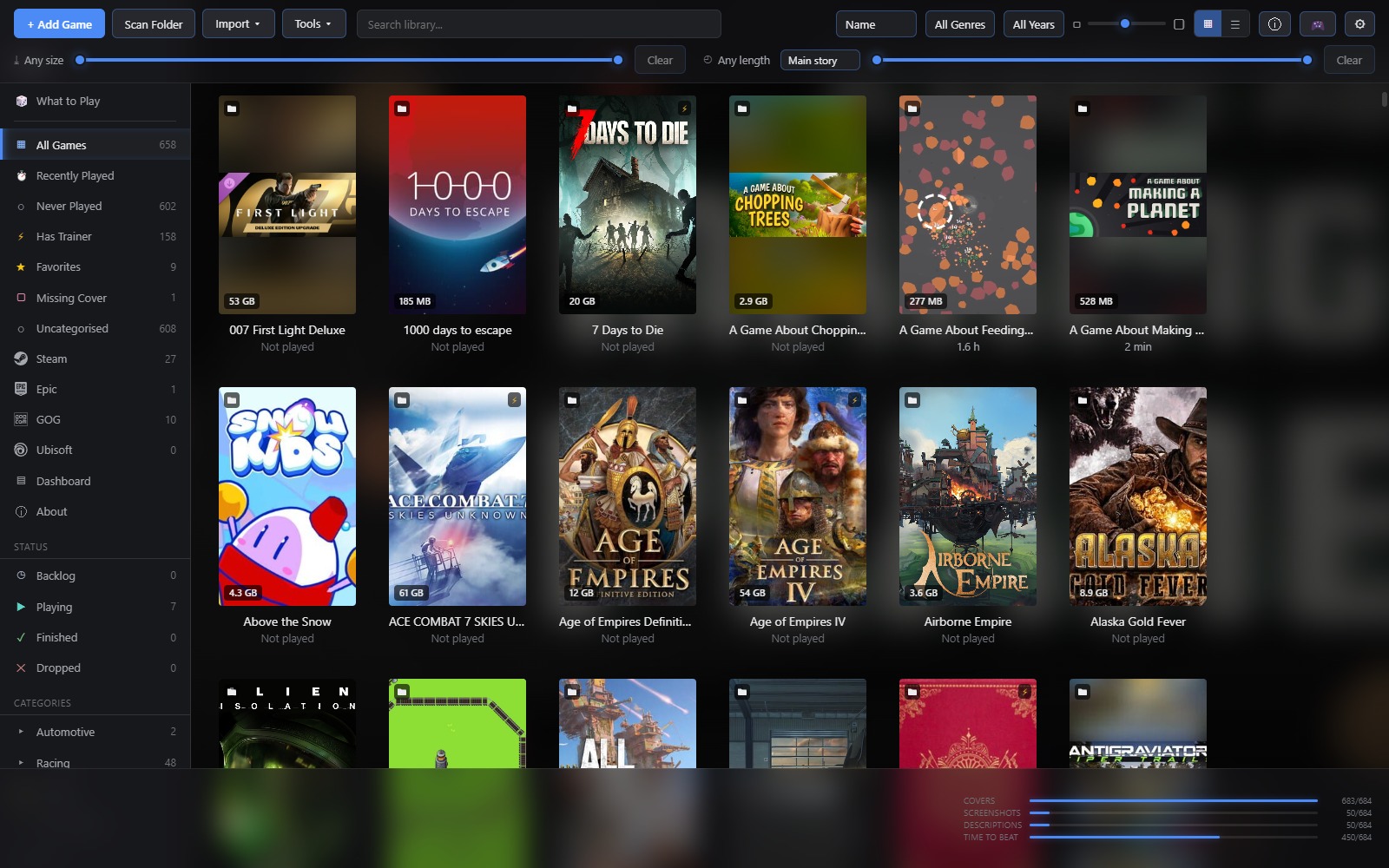
- Covers, genres, descriptions and screenshots are fetched in the background and cached on your machine. This works out of the box through Steam, which needs no credentials; free keys for IGDB, RAWG or SteamGridDB improve the hit rate on the obscure end of a library.
- Trailers play on the tiles as you browse, and can run as the backdrop behind the whole window.
- Three visual styles, adjustable glass and blur, your own accent colour, and a glow you can turn down or off entirely.
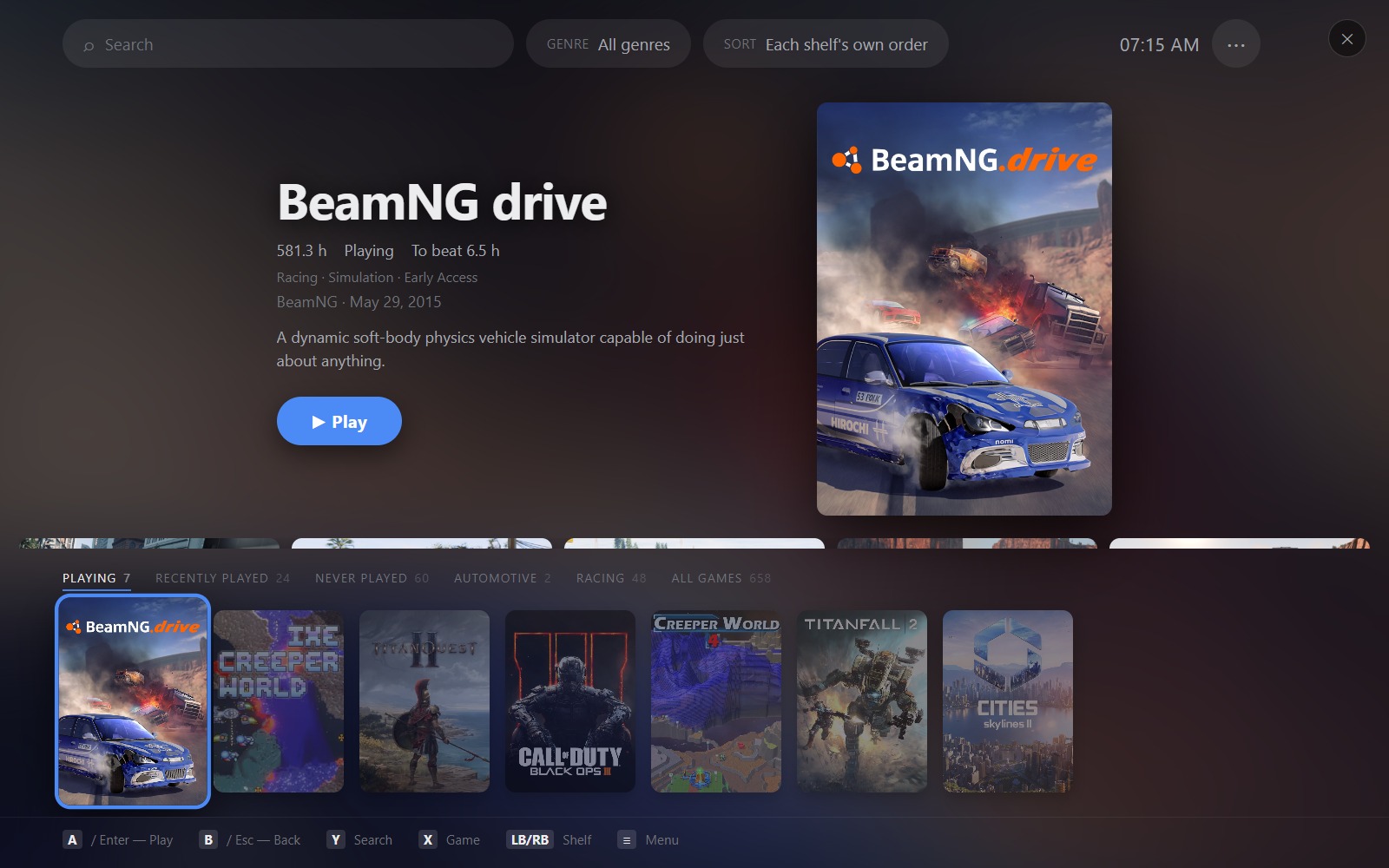
- A fullscreen Big Picture mode that works from a controller.
It helps you decide what to play
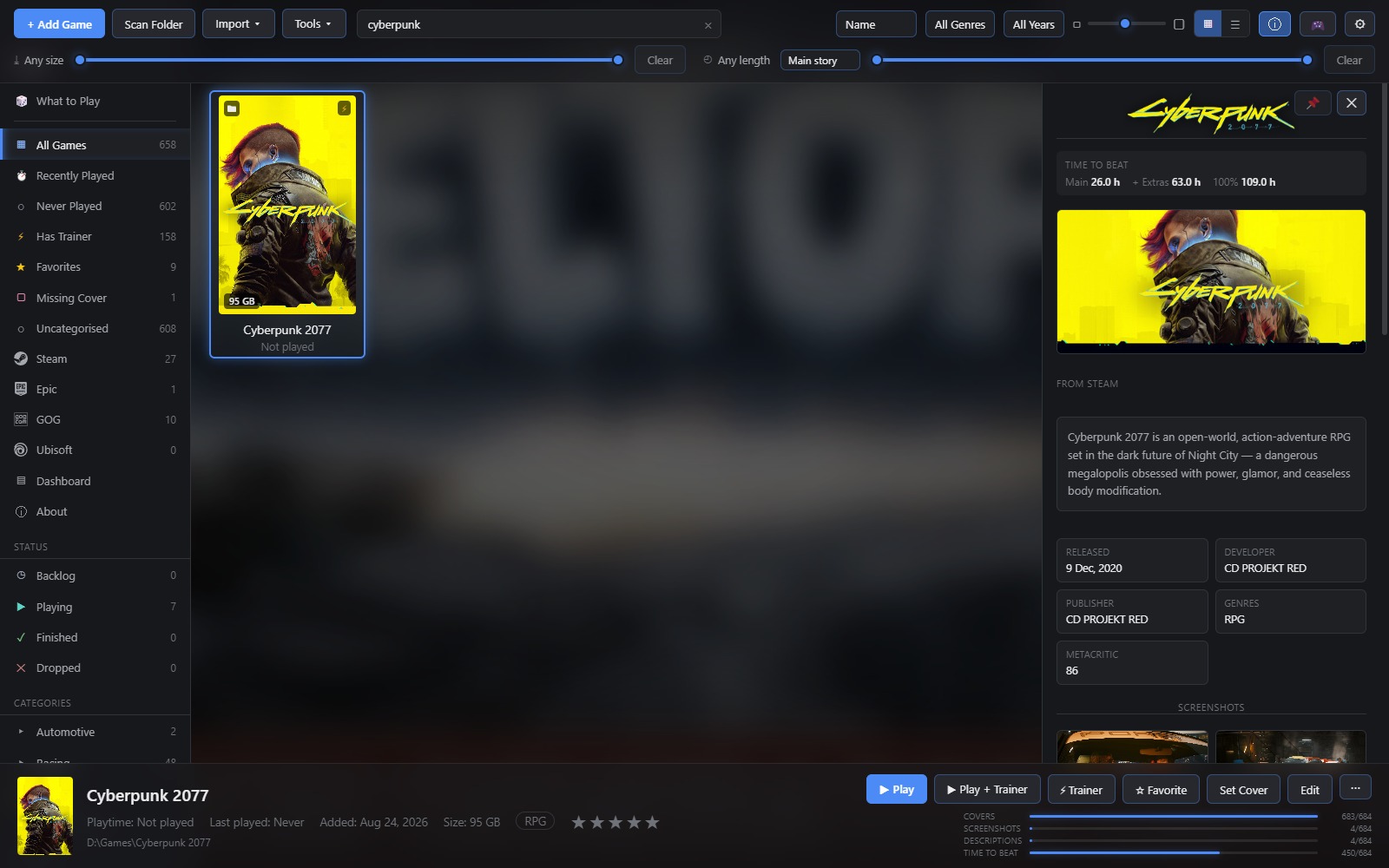
- Filter by genre, tag, release year, size on disk, or how long a game takes to finish — useful when you have an evening rather than a fortnight.
- Mark games as backlog, playing, finished or dropped. Rate them. File them into categories — and lock a category behind a password if you'd rather it weren't on screen.
- What to Play suggests something from the games you have never started, weighted by what you actually play rather than by what you own.
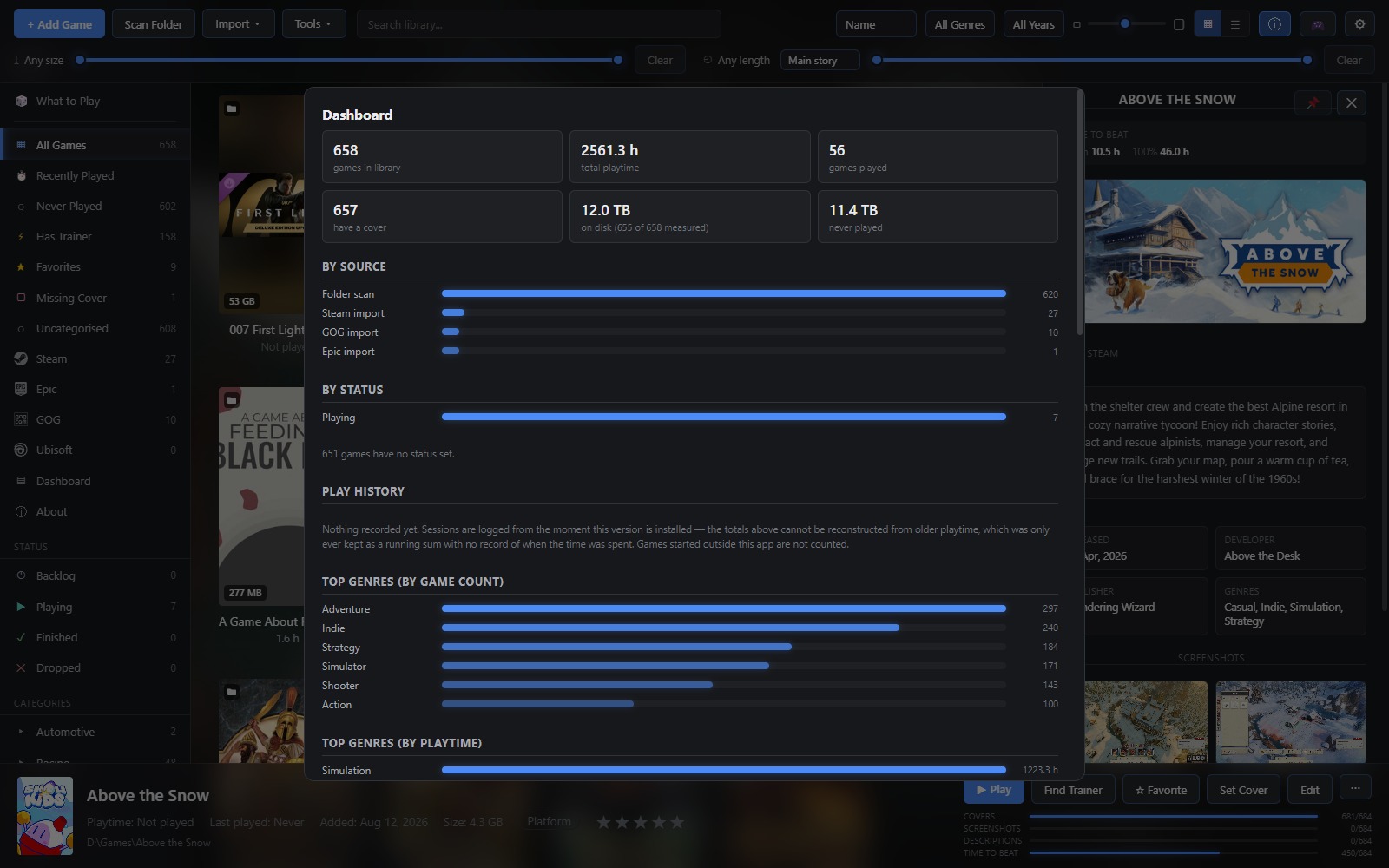
- Playtime is tracked two ways at once: everything Steam knows about, and only the sessions Shelf measured itself.
It looks after your files
- Save backups. Shelf knows where thousands of games keep their saves, archives them when you finish playing, and lets you point at the folder yourself for the ones nobody has catalogued. Restoring puts them back where they came from.
- Library backups. One archive holding your library, settings, categories, sessions, save archives and cached artwork, on whatever schedule you set, with old ones cleared out for you.
- Move a game to another drive without breaking it — Shelf copies it in pieces, shows you the speed as it goes, and can be stopped mid-way without leaving a mess.
- See where your space went, find the biggest thing you have never played, and uninstall or delete from disk without leaving the app.
What it doesn't do
It doesn't phone home, doesn't want an account, doesn't sit in your tray, and doesn't touch a game's files unless you ask it to move or delete one. Everything it caches lives in one folder you can open from the About dialog and copy anywhere.
Requirements
Windows 10 or 11. It installs for the current user, so it never asks for administrator rights, and it updates itself.
Download
Click download now to get access to the following files:
Development log
- Shelf now imports your itch.io games47 days ago